Building Real-time Computer Vision Pipelines at Scale
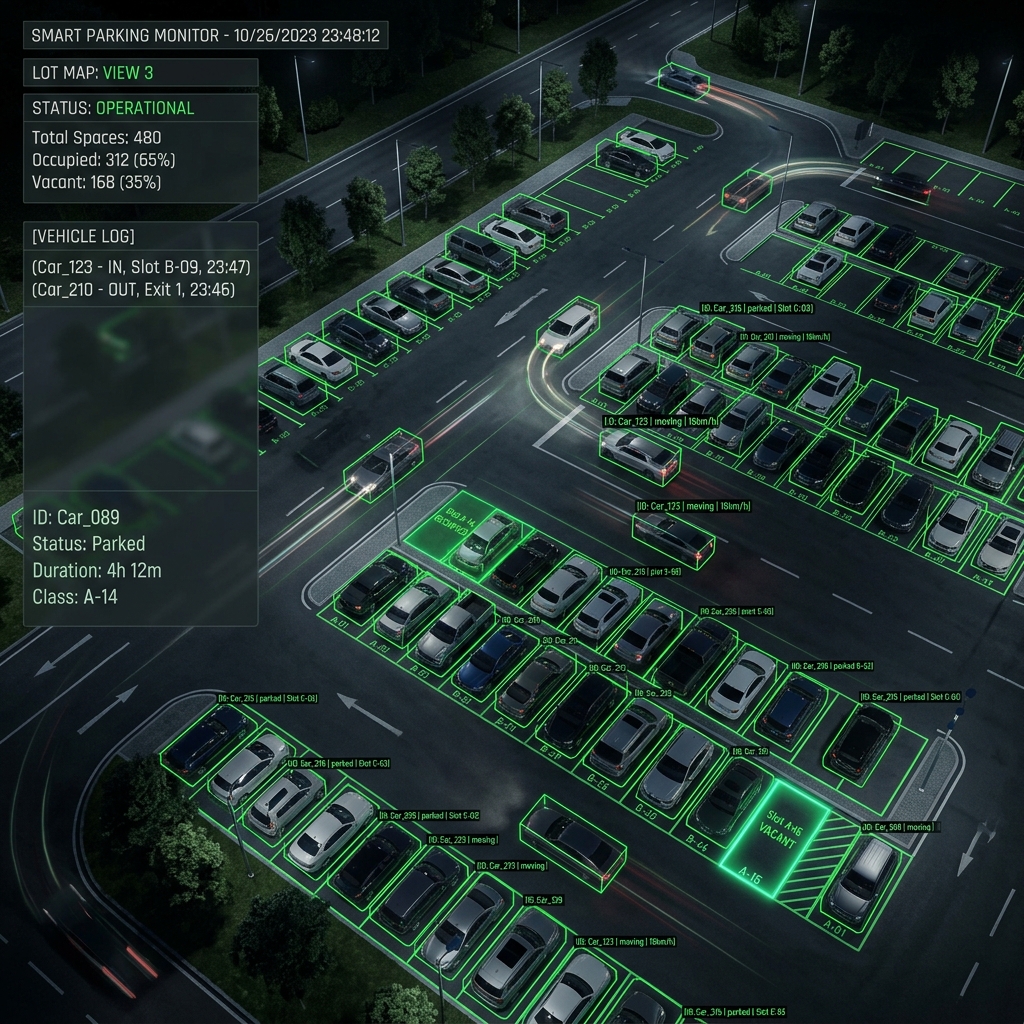
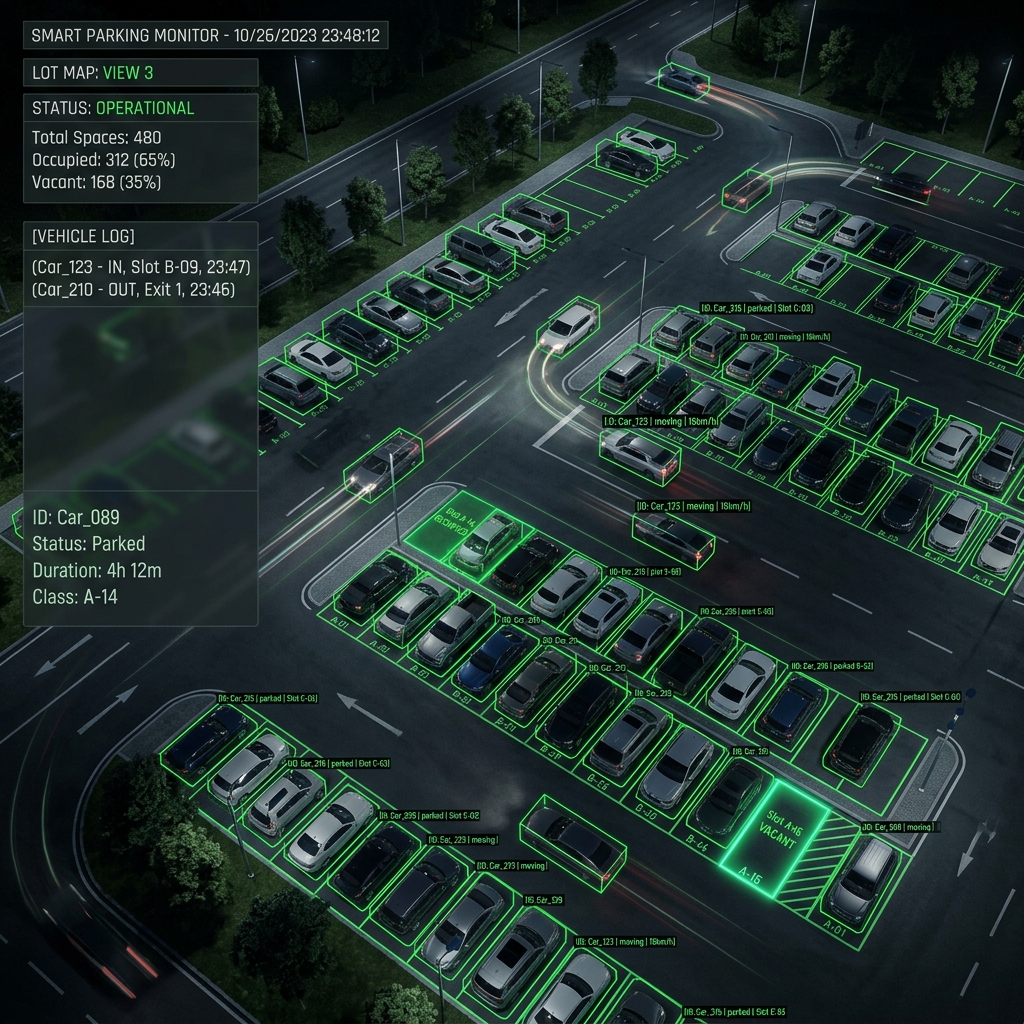
Processing high-throughput RTSP feeds from dozens of industrial IP cameras in parallel requires careful architecture choices. In this engineering note, we share how we achieve sub-30ms latency per frame on edge hardware like NVIDIA Jetson Orin Nano.
1. Zero-Copy Memory Buffers
Traditional OpenCV video capturing pipelines copy frames from CUDA device memory to CPU host memory and back to GPU memory for TensorRT inference. This host-device memory transfer introduces 10-15ms overhead per 1080p frame.
# Optimal PyTorch / TensorRT CUDA memory sharing
import torch
import cupy as cp

# Direct memory pointer sharing without CPU copy
cuda_stream = torch.cuda.Stream()
with torch.cuda.stream(cuda_stream):
    tensor_input = torch.as_tensor(gpu_frame_ptr, device="cuda")
    output = tensorrt_engine(tensor_input)
2. Adaptive Frame Dropping Strategy
When processing 30 FPS video feeds for industrial safety (e.g. PPE compliance monitoring), frame-perfect processing is unnecessary:
- Detection Phase: 5 FPS is more than sufficient to detect human entry.
- Tracking Phase: ByteTrack runs at lightweight CPU cost to smooth bounding boxes across missing frames.
Zero-copy memory sharing requires unified memory architecture (UMA) like NVIDIA Jetson or Apple Silicon, where CPU and GPU share the same physical RAM bus.
Always allocate CUDA stream pin memory during startup rather than dynamically allocating tensors per frame to avoid non-deterministic garbage collection pauses.
Tested on Jetson Orin Nano 8GB: 16 dynamic camera RTSP streams processed at 6 FPS with sub-22ms end-to-end inference latency.
Key Takeaway: Dropping frame rates for detection from 30 FPS to 6 FPS reduces GPU compute loads by 80% with zero loss in safety event detection accuracy.