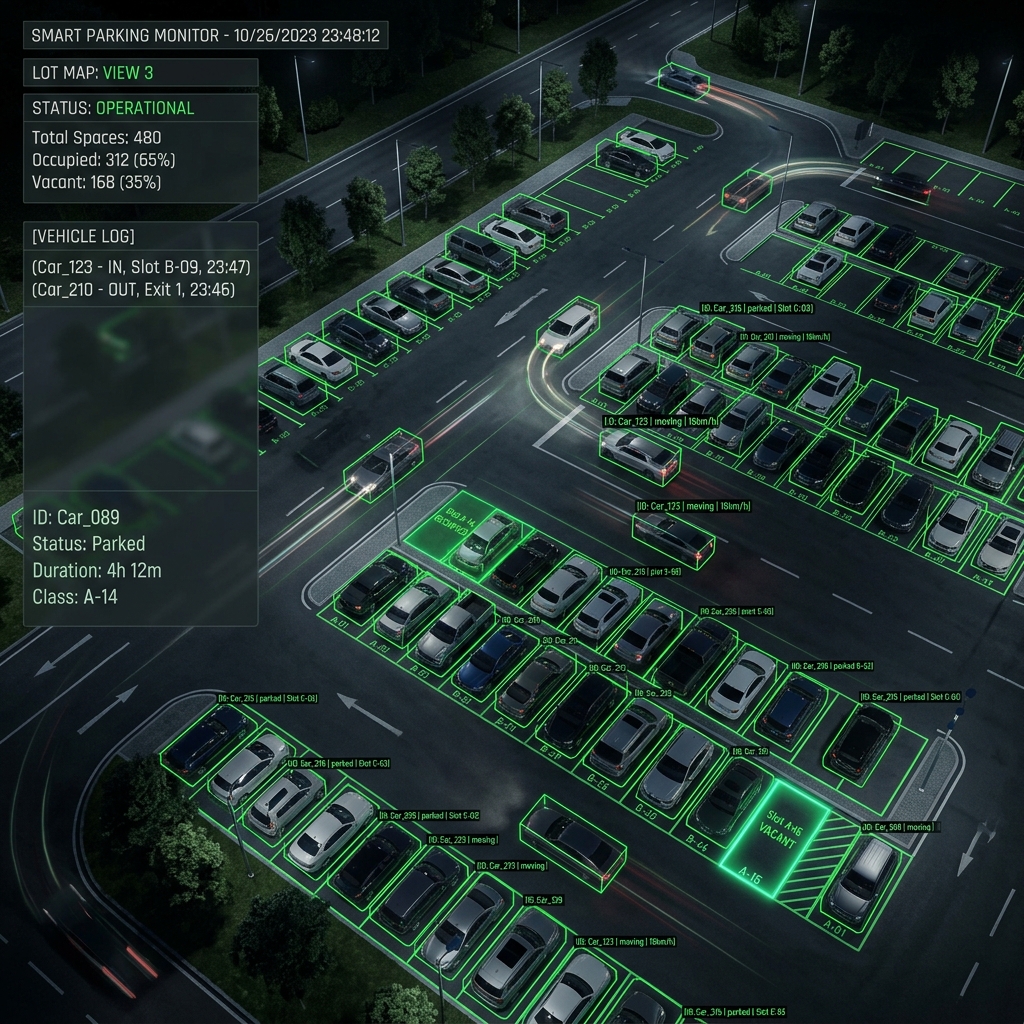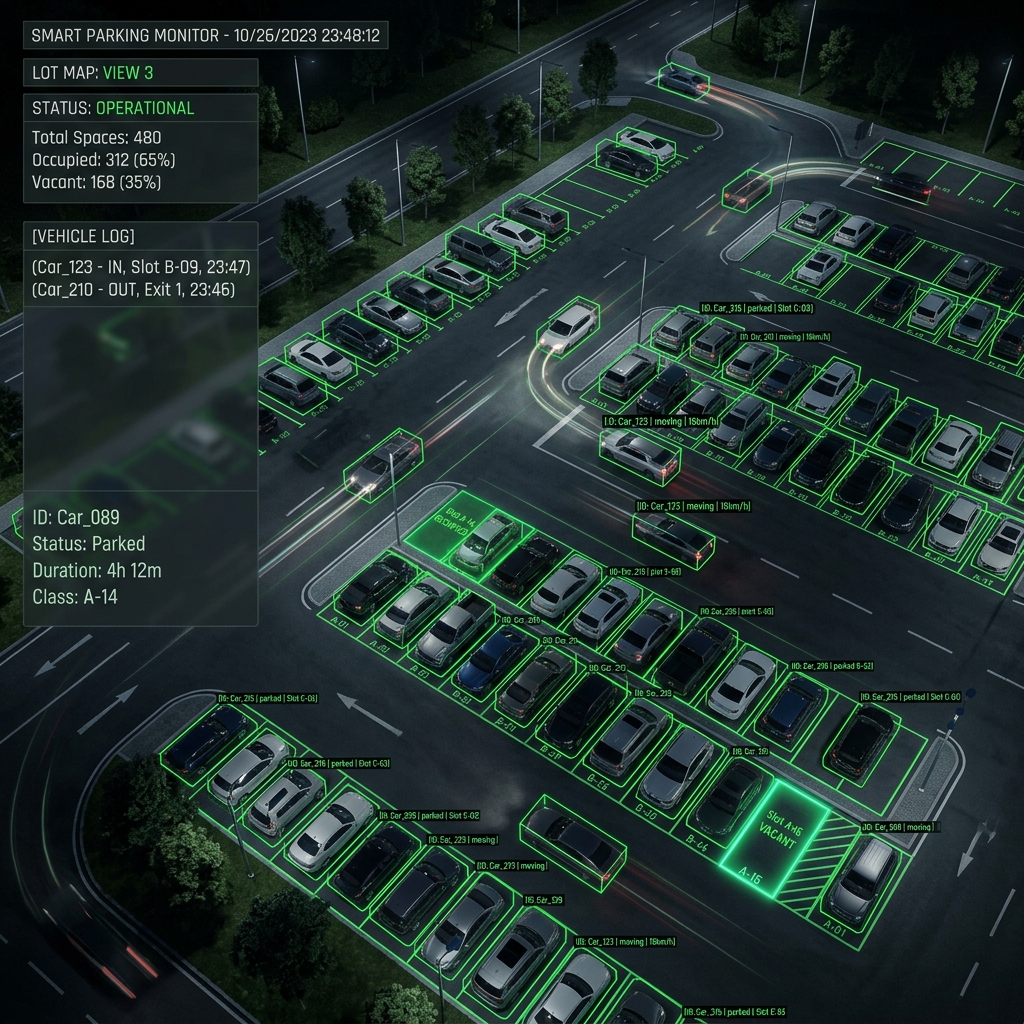
Farms are the hardest place to run AI surveillance: cameras are spread across large areas, connectivity is patchy, and the last thing a farmer wants is a system that stops working when the 4G signal drops. Our answer is an edge-first stack built around Frigate NVR running on an NVIDIA Jetson - all the detection happens on-site, and the cloud is optional.
The architecture
Every camera speaks RTSP. We restream through MediaMTX so that Frigate, the recorder, and any live viewers all pull from a single stable source instead of hammering the camera directly. Frigate runs object detection on the Jetson GPU, publishes events over MQTT, and a lightweight service turns those events into Zalo and Telegram alerts.
- IP cameras (RTSP/ONVIF) - any brand
- MediaMTX - restreaming and buffering
- Frigate NVR on Jetson - detection + recording
- MQTT - the event backbone
- Alert service - Zalo / Telegram / SMS
A minimal Frigate config
mqtt:
  host: mqtt
  topic_prefix: frigate

detectors:
  tensorrt:
    type: tensorrt
    device: 0

cameras:
  barn_gate:
    ffmpeg:
      inputs:
        - path: rtsp://mediamtx:8554/barn_gate
          roles: [detect, record]
    detect:
      width: 1280
      height: 720
      fps: 5
    objects:
      track: [person, car, dog]
    zones:
      gate:
        coordinates: 0.0,1.0,0.4,0.5,1.0,0.6,1.0,1.0
Two details matter here. First, we run detection at 5 FPS, not 25 - a person walking through a gate does not need frame-perfect tracking, and dropping the frame rate roughly quadruples how many cameras a single Jetson can handle. Second, zones let us say 'only alert when a person enters the gate area', which is what kills false alarms from animals wandering the far field.
Turning events into alerts
Frigate publishes a JSON payload on every detection. A small worker subscribes to the MQTT topic, applies debouncing (one alert per object per minute), attaches the snapshot Frigate saved, and forwards it to a Zalo Official Account.
import json, time
import paho.mqtt.client as mqtt

last_sent = {}

def on_message(client, _, msg):
    event = json.loads(msg.payload)["after"]
    label, cam = event["label"], event["camera"]
    key = f"{cam}:{label}"
    if time.time() - last_sent.get(key, 0) < 60:
        return  # debounce
    last_sent[key] = time.time()
    snapshot = f"/media/frigate/{event['id']}.jpg"
    send_zalo_alert(cam, label, snapshot)

c = mqtt.Client()
c.on_message = on_message
c.connect("mqtt", 1883)
c.subscribe("frigate/events")
c.loop_forever()
The single biggest win on farms is that everything above runs on-site. When the internet drops, recording and local sirens keep working - only the cloud notification waits.
Lessons from the field
- Power, not compute, is the real constraint - budget for UPS and solar on remote poles.
- Tune zones and object filters per camera; a generic config always over-alerts.
- Record at full FPS but detect at low FPS - you keep good footage without melting the GPU.
- Ship alerts on the channel people already read: in Vietnam that is Zalo, not email.
This exact stack powers our IoT Farm Surveillance and Smart CCTV Platform projects. If you want to see the detection and alert flow before building anything, the CCTV solution page has an interactive simulation of it.